Plan your Instagram
grid like a pro.
Preview your Instagram grid, plan your layout, and schedule posts and Stories with a simple content calendar.

- Official Instagram API
- iOS & iPad
- Free to start
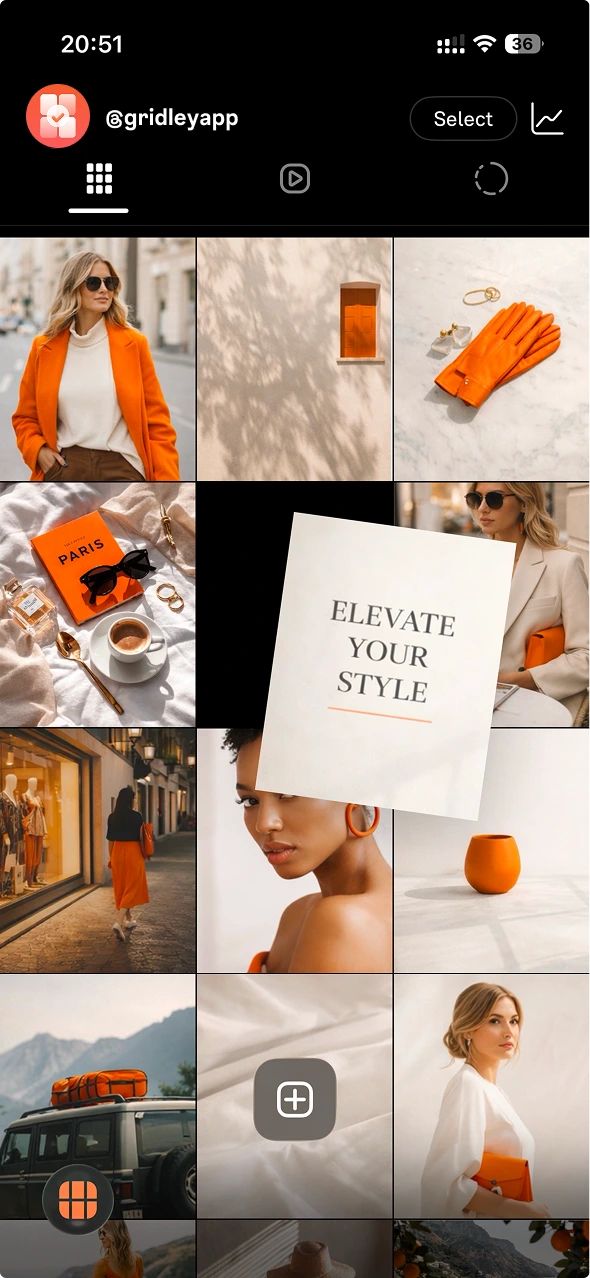
Instagram grid preview before you post
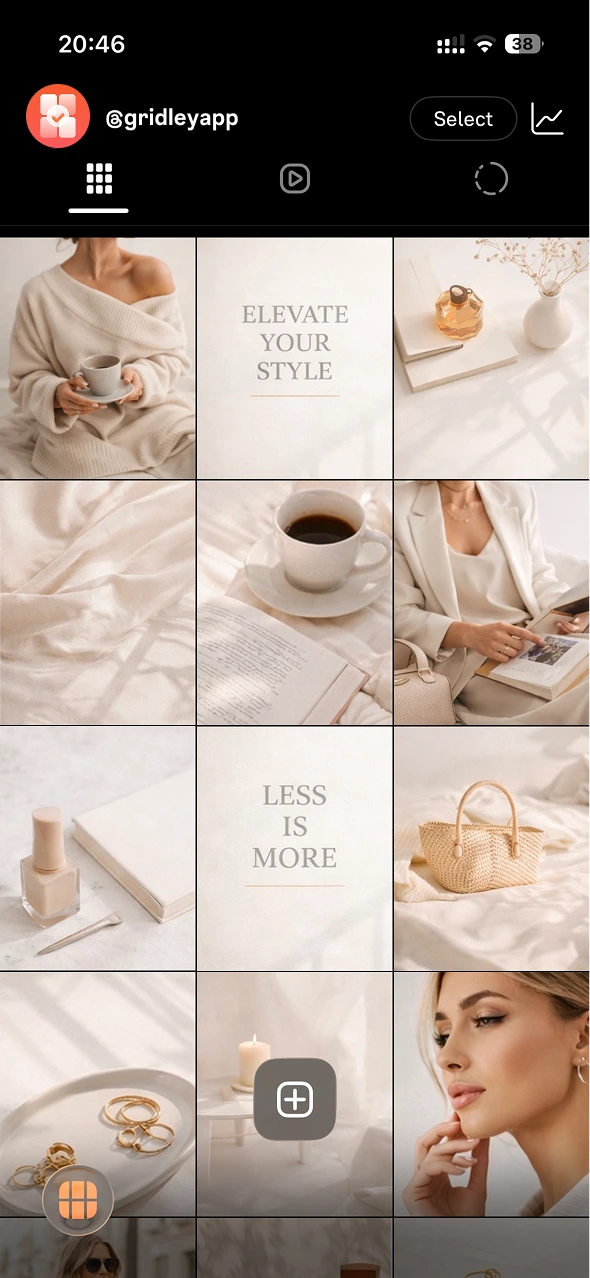
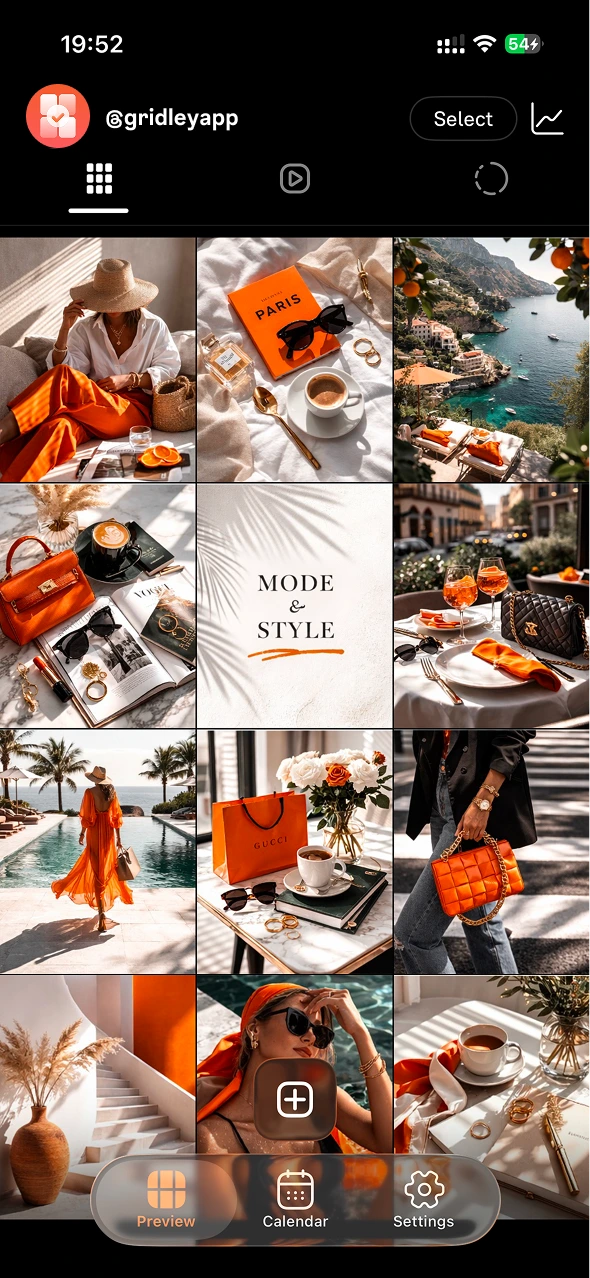
Drop drafts into your feed, shuffle them around, and keep the whole profile looking intentional.
Drag-and-drop Instagram layout planning
Instagram Feed Preview
See how your full grid looks before you post a thing.
Drag-and-Drop Planning
Rearrange posts to nail your Instagram layout every time.
Scheduled Posting
Plan posts, Reels, and Stories days ahead.
Content Calendar
Your Instagram planner — all content in one calendar view.
Image Split Tool
Turn one image into a seamless Instagram grid mosaic.
Official Instagram Import
Secure sync via the official Instagram API.
Design → Plan → Publish
- 01
Design
Prepare visuals in Pastel or any editor you like.
- 02
Plan
Arrange drafts in Gridley until the feed looks right.
- 03
Publish
Schedule and post with confidence.
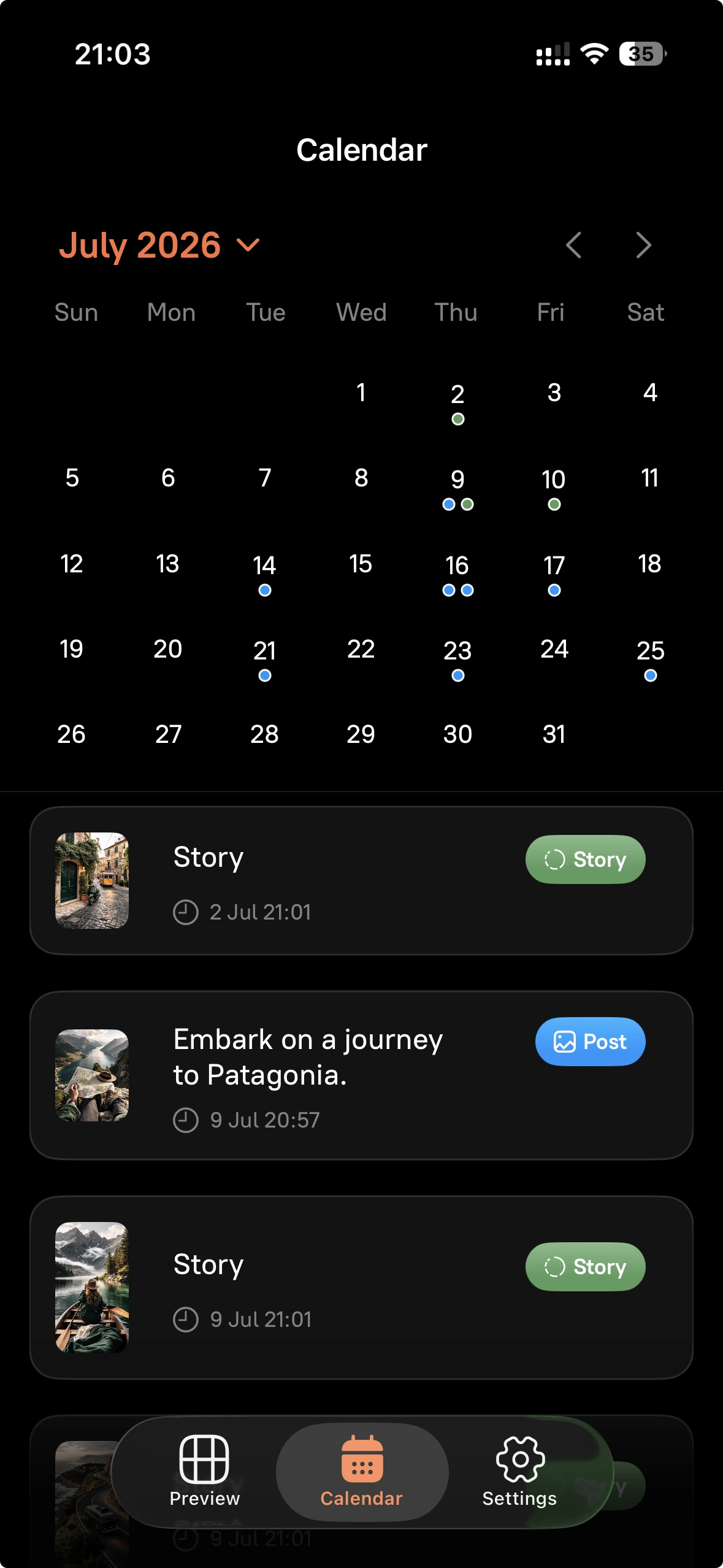
An Instagram planner with a content calendar
See what's coming next, spot gaps, and keep a steady posting rhythm.
Schedule posts and Stories in one place
Schedule Stories ahead of time, keep them organized, and align them with your feed.
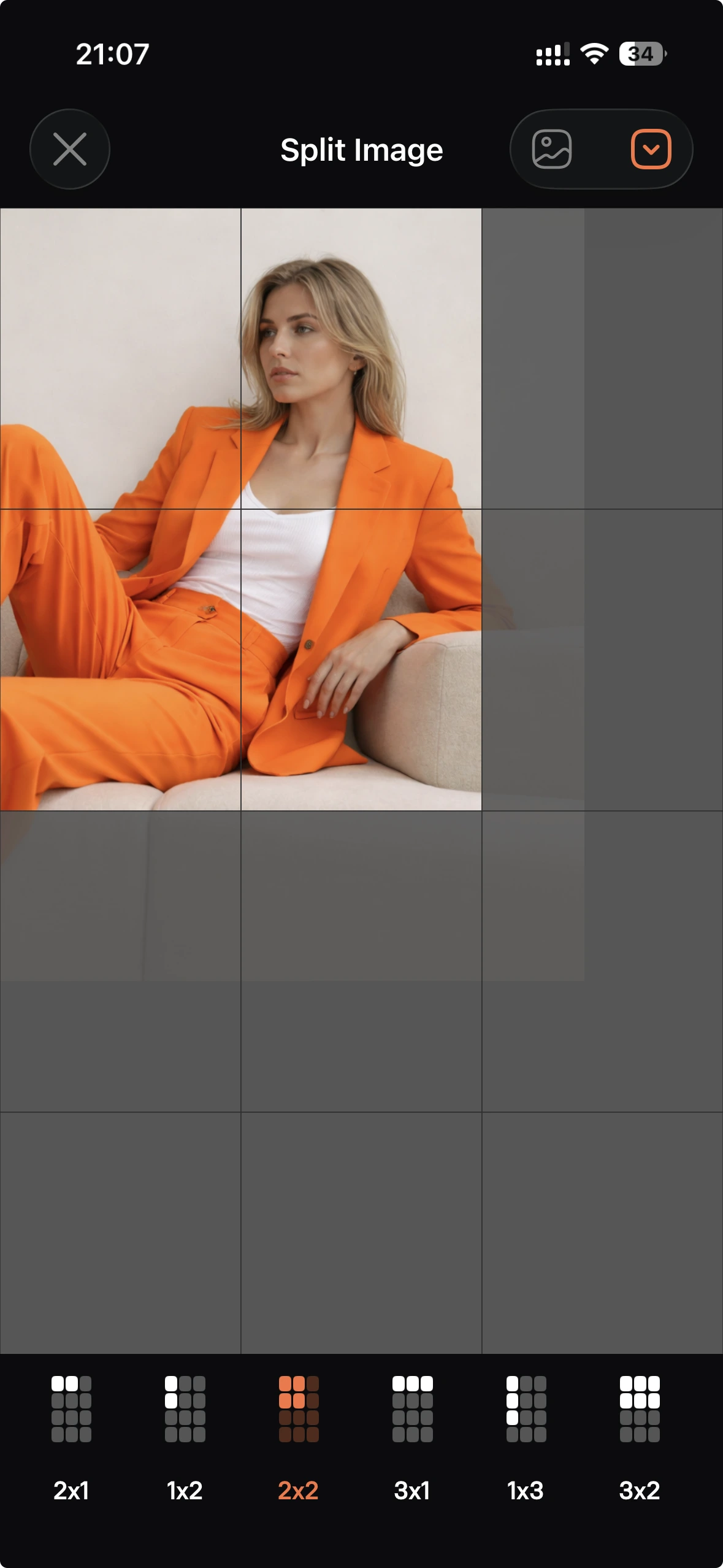
Build a seamless grid mosaic
Split one image into tiles and post it as a clean, connected grid.
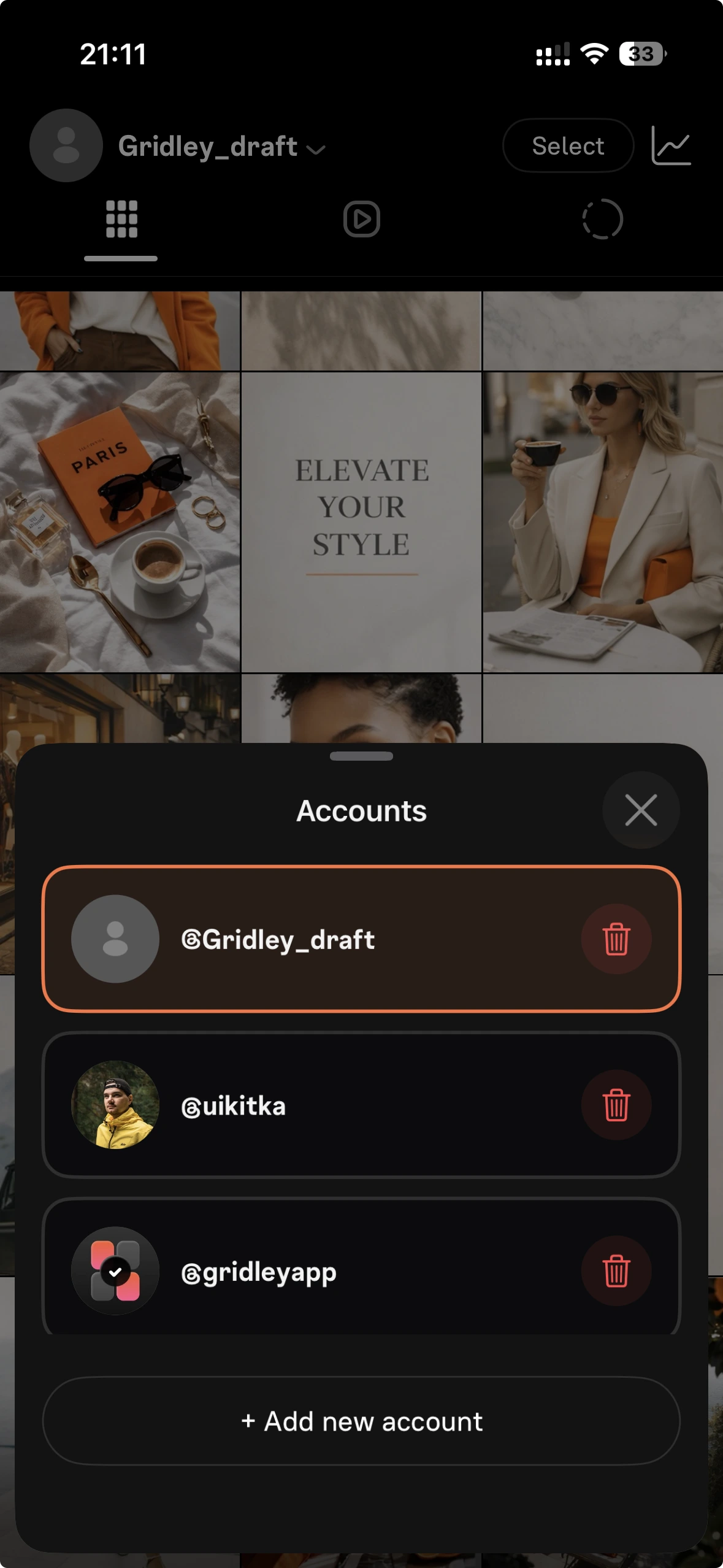
Multiple profiles, one workspace
Switch accounts quickly and plan each feed separately.
Built with your privacy in mind
- Official Instagram API
- No password required
- Data stays on device
- Free to start
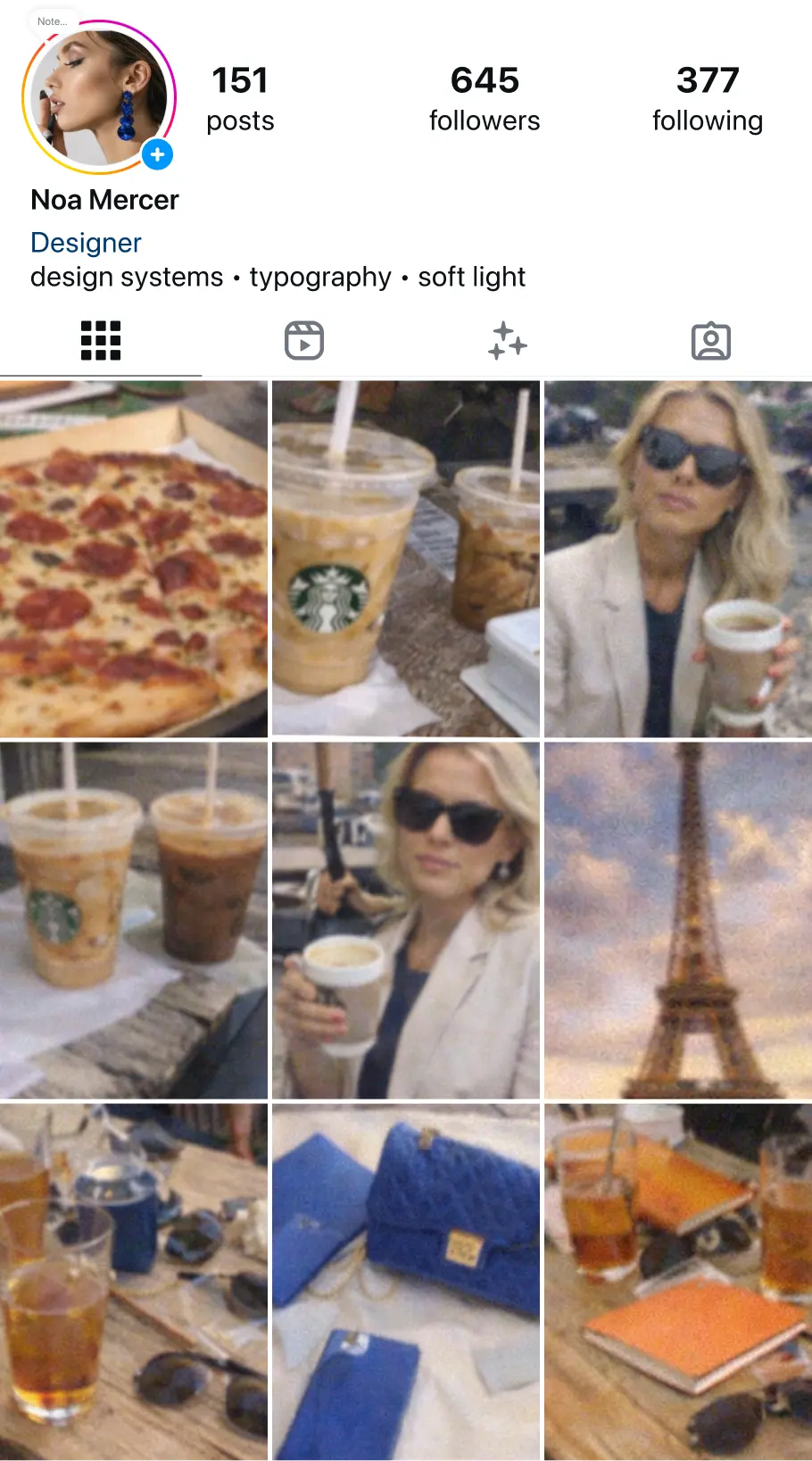
Before / After
See how a planned grid changes the whole profile.

Loved by planners
This is what I was missing. I drop in my drafts, shuffle them around, and instantly see what looks right. My grid finally feels intentional.
Connecting via the official Instagram API is a huge relief. No sketchy logins, no "give us your password". Just connect once and plan.
I don't want to spend hours planning. I just want my profile to look clean and consistent. Gridley gets me there in minutes.
Frequently asked questions
No matches. Try a different search.
Ready to plan your next posts?
Start free and make your grid look intentional.